
Business Central, implemented around how you actually run the business
One connected system for financials, sales, purchasing, inventory, manufacturing, projects and service — configured for your chart of accounts, not a generic template.
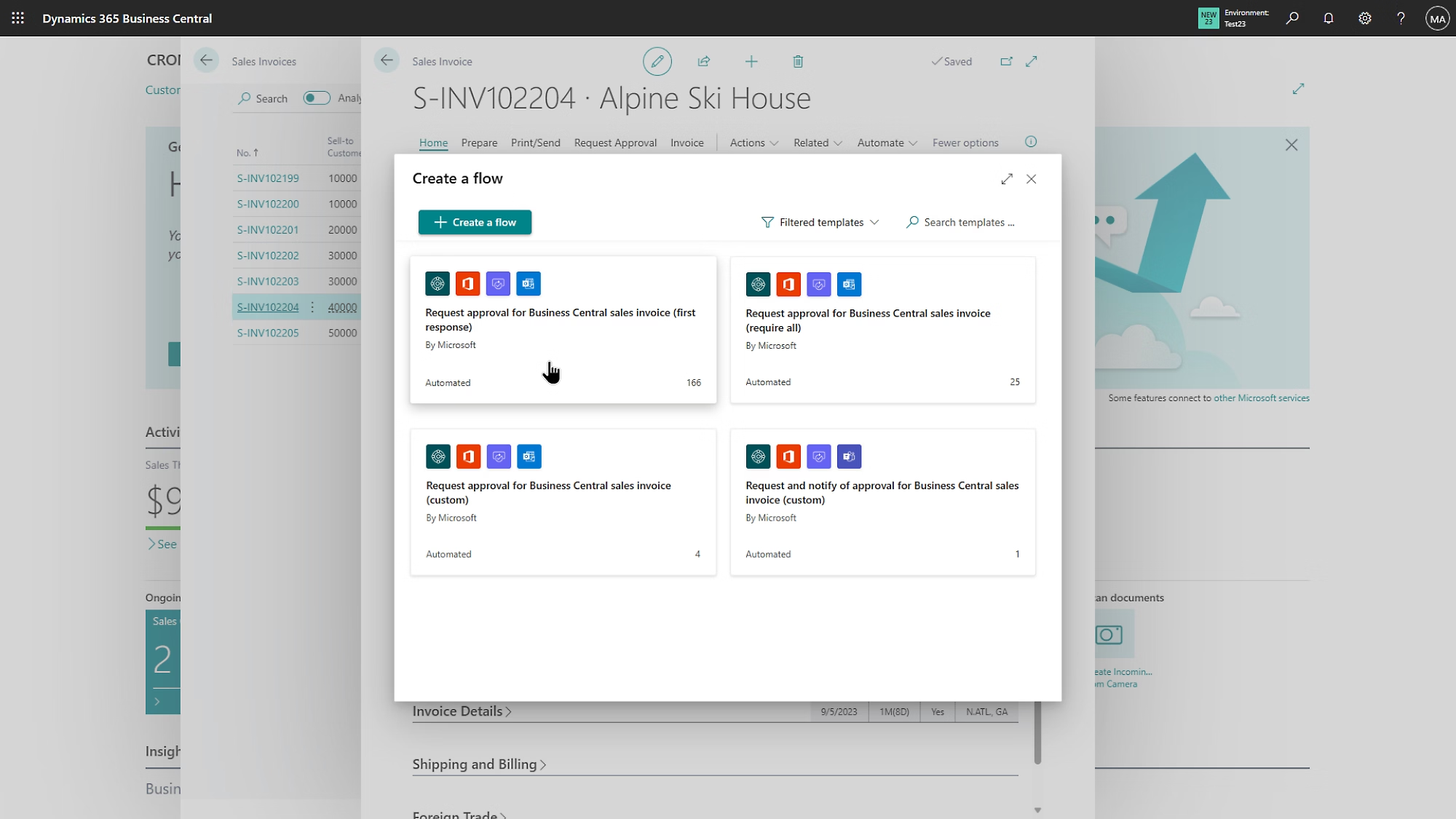
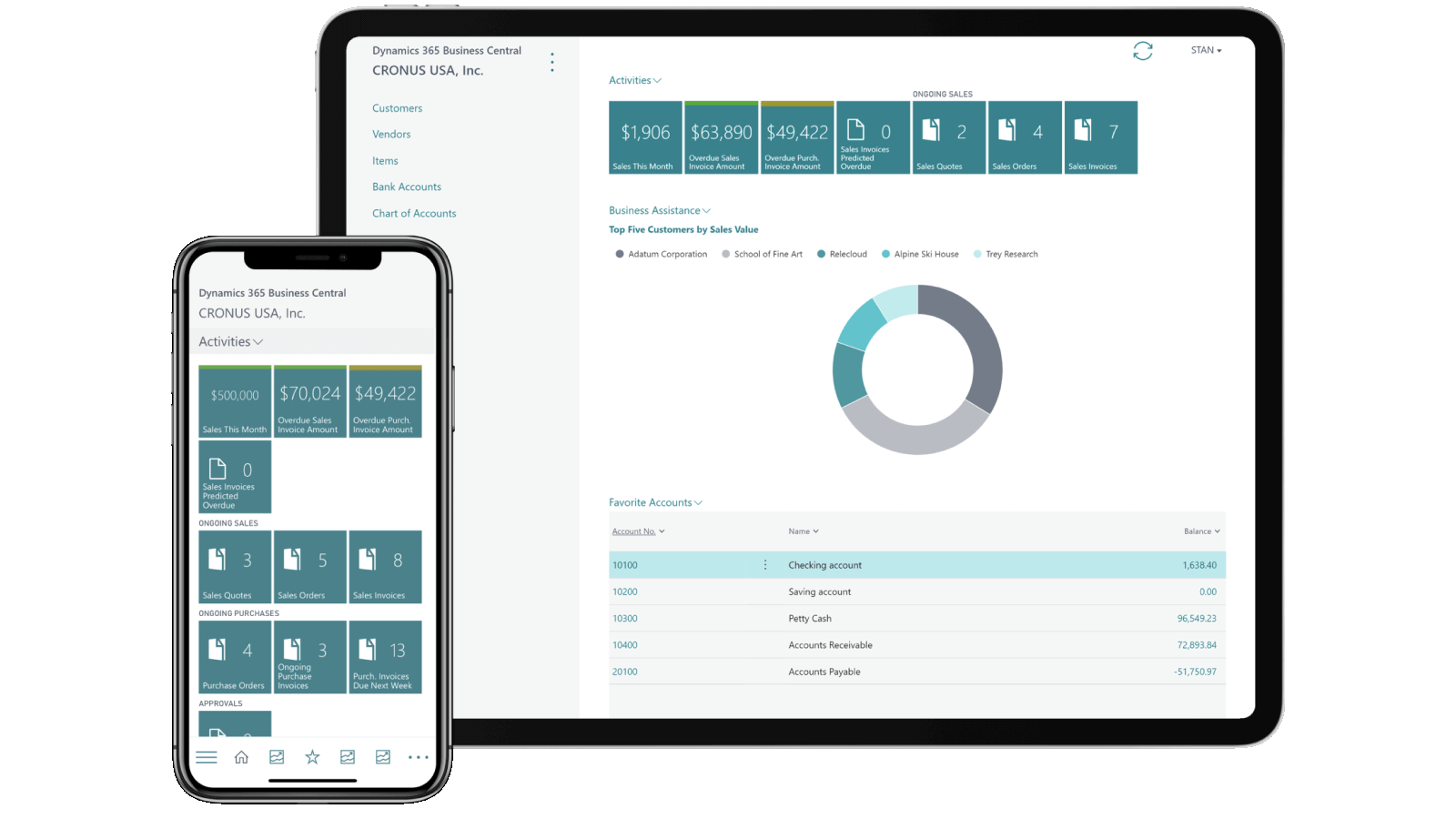
Microsoft's ERP for growing and mid-market businesses
Dynamics 365 Business Central is Microsoft's cloud ERP, built to replace disconnected spreadsheets and entry-level accounting software with one system that finance, sales, purchasing and operations all work from.
It's the direct successor to Dynamics NAV, extended with Power BI reporting, Power Platform automation and, increasingly, Copilot and agentic AI capability layered on top.
- Native integration with Microsoft 365, Excel and Outlook
- Cloud-hosted with predictable per-user licensing
- Extensible through AppSource and custom AL extensions
- Built-in Power BI reporting and analytics
One system, every core function
Financial Management
General ledger, receivables, payables, fixed assets and multi-currency consolidation.
Explore Financial ManagementSales
Quotes, orders, pricing and credit management connected directly to inventory and finance.
Explore SalesPurchase
Vendor management, purchase orders and requisitions with approval workflows.
Explore PurchaseInventory
Real-time stock visibility, warehousing, bins and item tracking across locations.
Explore InventoryManufacturing
Production orders, BOMs, routings, capacity planning and shop-floor costing.
Explore ManufacturingProjects
Job costing, resource planning and time tracking tied back to the general ledger.
Explore ProjectsService Management
Service orders, contracts and dispatch scheduling for post-sale support teams.
Explore Service ManagementReporting
Power BI dashboards and built-in analytics for finance, sales and operations.
Explore ReportingWhat changes once Business Central is live
One source of truth
Finance, sales and inventory stop reconciling three separate spreadsheets against each other every month-end.
Faster decisions
Live inventory and financial data means quotes, purchasing and production plans are based on today's numbers.
Room to grow
Add companies, currencies, warehouses and users without re-platforming again in three years.
A phased rollout, not a big-bang gamble
Discover & Assess
Map current processes, chart of accounts and pain points across finance, sales and operations.
Design & Configure
Configure Business Central against the agreed design, including data migration mapping.
Test & Train
User acceptance testing and role-based training before a single transaction goes live.
Go-Live & Support
Supported cut-over with hypercare, followed by ongoing managed application support.
Licensing overview
We help you right-size licensing across Team Member, Essentials, Premium and Device tiers so you're not overpaying for functionality your team won't use.
Compare LicensingMigration services
Already on Dynamics NAV? We run structured migrations that preserve historical data and custom reports with minimal downtime.
Discuss MigrationSupport services
Post-go-live managed services covering user support, configuration changes, patching and periodic health checks.
See ERP AuditExtend with AI
Layer agentic AI onto Business Central for sales, finance, procurement and inventory teams once the core system is stable.
See Agentic AI